Custom UI development
Your designs from Figma, Adobe XD, Sketch or PSD, turned into pixel-accurate, responsive interfaces with clean, maintainable code.
FigmaButtonCardForm
Services
I turn your designs into fast, responsive, accessible interfaces with React, Vue.js, Next.js, Tailwind CSS and Bootstrap. Clean code and smooth experiences on every screen, from one developer you can talk to directly.
Technologies I use for frontends
01 / Frontend development services
A frontend developer does more than code what people see. The work shapes your first impression, how easy the site is to use, and whether visitors become customers. These are the eight areas I cover.
Your designs from Figma, Adobe XD, Sketch or PSD, turned into pixel-accurate, responsive interfaces with clean, maintainable code.
Mobile first, so one layout works on phones, tablets and desktops.
Dynamic, fast interfaces with React.js, Next.js and Vue.js.
Lazy loading, compression and code splitting for quick pages.
Utility-first or component-based styling for consistent interfaces that are quick to build and easy to extend.
class="rounded-full bg-blue-600 px-5 py-2"RenderedThe same behaviour in every major browser.
Clean, semantic HTML and structured markup, so search engines and assistive technology can understand your pages.
<header> <nav> <main> <h1> <footer>Bug fixes, performance updates, feature work and design tweaks, so your frontend stays modern and secure.
02 / Responsive web design
I build mobile first, then widen the layout at each breakpoint, so phones, tablets and desktops get a page made for their size and not a shrunken copy.
Buttons and links are easy to hit on a phone, not only with a mouse.
Text scales with the screen, so nothing needs zooming or sideways scrolling.
Pictures fit their container and load as they come into view.
Columns collapse in a sensible order, so the important content comes first.
03 / Choosing the framework
I pick the tool that fits what your product does, not the one I like most. The ratings are rough comparisons to help you decide, not benchmarks or measurements.
Swipe sideways to compare all four
| Compare | React View page | Next.js View page | Vue.js View page | HTML, CSS and JavaScript View page |
|---|---|---|---|---|
| Best for |
Interactive applications, dashboards and SaaS interfaces with a lot of state and many screens. |
Marketing sites, content-heavy products and applications that need fast first loads and good search visibility. |
Admin panels, dashboards and interfaces on Laravel projects, where a gentle learning curve helps the team. |
Landing pages, small business sites and fast static pages that change rarely. |
| Interactive features |
|
|
|
|
| Search-ready by default |
|
|
|
|
| Light to maintain |
|
|
|
|
| Less suited to |
A simple brochure site where plain HTML would do the job. |
A small internal tool that never needs to be found by search engines. |
A project that is already deep into React with a team that knows it well. |
Anything with complex, changing data on screen. |
04 / Speed you can measure
Fast websites keep people engaged and support better search performance. Google publishes the thresholds for a good experience, and these are the three I build and test against.
LCPLoadingLargest Contentful Paint
INPInteractivityInteraction to Next Paint
CLSVisual stabilityCumulative Layout Shift
Thresholds are Google's published targets for Core Web Vitals. Actual results depend on your hosting, content and visitors' devices.
Before every launch
Eight checks for accessibility, compatibility and speed.
05 / How I work
Six steps, with a running version early, so you can react to the real thing and not to a description of it.
I go through your designs or brief, and list anything unclear before I write code.
I break the interface into reusable parts, so changes later stay small.
I build mobile first and share a running version early, so you can react to the real thing.
I connect the interface to your APIs or backend, or build against a mock until they are ready.
I test across browsers and devices, and check speed and accessibility before release.
I deploy, hand over the code and stay available for fixes and the next features.
06 / Why work with me
Choosing the right frontend developer is about understanding your goals and your users, as well as writing code.
My specialty is the interface, but I understand backends, databases and API design, so the screens fit the system behind them.
HTML5, CSS3, JavaScript, TypeScript, React, Next.js, Vue.js, Tailwind CSS and Bootstrap, chosen for your project and not for fashion.
Lightweight, optimized frontends that aim at the Core Web Vitals thresholds and keep bounce rates down.
Clear layout, visual hierarchy, consistent type and intuitive navigation, on every screen size.
I ask what the page should achieve, whether that is more enquiries, easier use or a tight deadline, and build toward it.
I work with solo founders, startup teams and agencies, alongside your designers and backend developers, with regular updates.
07 / What affects the price
I quote after I have seen your designs and requirements, and I talk through the budget with you before we begin. These are the things that move a frontend quote up or down.
Answers to what clients ask most before starting a frontend project. Have a different question?
Ask me directlyA frontend developer builds everything a visitor sees and uses in the browser: layout, styling, navigation, forms and interactive features. I turn designs into fast, responsive pages, and connect them to your data so they work.
It depends on what the product does. I use React for interactive applications, Next.js when fast first loads and search visibility matter, Vue.js for admin panels and Laravel projects, and plain HTML, CSS and JavaScript for simple sites. I explain the trade-offs before you decide.
Yes. I convert designs from Figma, Adobe XD, Sketch or PSD into responsive, pixel-accurate interfaces, and I flag anything that will not work on a real screen before I build it.
Yes. I build mobile first, then scale up to tablets and desktops, and I test on real screen sizes and in Chrome, Firefox, Safari, Edge and Opera before launch.
I compress and size images, load them late, split code so only what is needed is loaded, and keep layouts stable. I aim for Google's Core Web Vitals thresholds: LCP within 2.5 seconds, INP of 200 milliseconds or less, and CLS of 0.1.
Yes. I write semantic HTML with a clear heading structure and structured data where it helps. For applications that need search visibility, I use frameworks such as Next.js that can send ready pages to search engines.
It depends on the number of pages and screens, the design complexity, the interactivity and the browser support you need. After we talk I send a quote for a clear scope, and for larger projects I suggest phases.
Yes. I provide 6 to 12 months of support after launch, covering bug fixes and minor adjustments. I can also help with updates, new features and ongoing maintenance as your business grows.
Let's work together
Send me your design or a few lines about the idea. I help startups, growing companies and agencies build modern, user-friendly websites and applications, and I reply personally with honest advice and next steps.
Free consultation, no obligation.
Related services
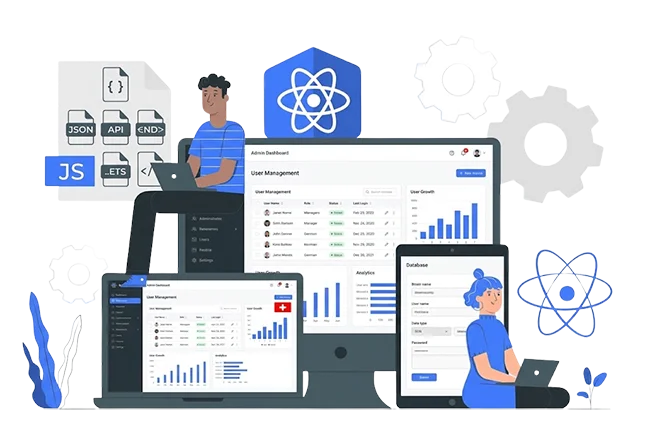
I'm a freelance ReactJS developer with 20+ years of software development experience. I build fast, scalable React applications, dashboards, and SaaS interfaces with TypeScript, clean component architecture, and reliable REST or GraphQL integration, paired with Laravel or Node.js backends when you need a complete solution. I work remotely with clients in Nepal and worldwide.
View page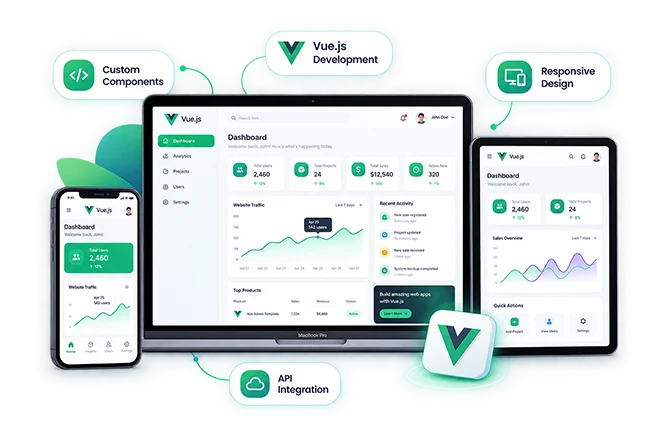
I'm a freelance Vue.js developer with 20+ years of software development experience. I build maintainable Vue 3 and Nuxt applications, admin dashboards, and interactive front ends, including Laravel + Vue and Inertia.js projects, with clean components, solid state management, and dependable API integration.
View page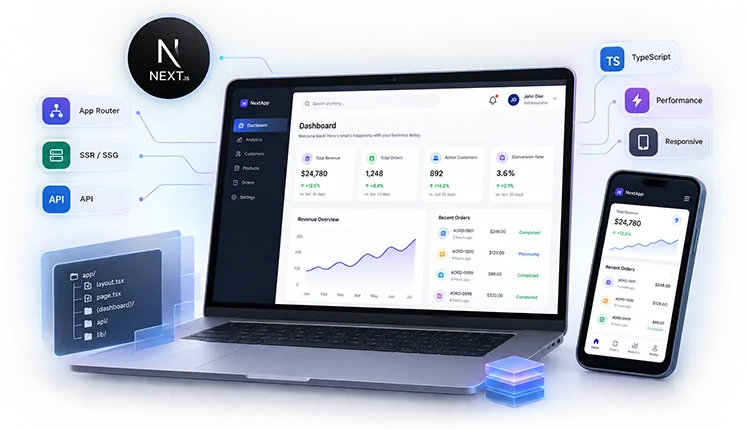
Senior Next.js Developer & Software Architect with 20+ years of software development experience. I build custom websites and web applications with thoughtful architecture, strong performance, clean code, and a foundation that can grow with your business.
View pageWhether you're starting fresh or enhancing an existing system, I offer custom software development services built to match your goals. From responsive web apps to powerful backend solutions and mobile integrations, explore how each service can help your business move forward with confidence.

I build the part of your product that users never see but always feel: secure APIs, reliable databases and systems that stay fast as you grow. Laravel, CodeIgniter, PHP, Node.js and NestJS, from one developer you can talk to directly.
View page
I build custom online stores that are secure, fast and easy to manage: catalog, cart, checkout, payments and an admin panel, from one developer you can talk to directly. A store designed to grow your business, with 20+ years of web development behind it.
View page
I build fast, high-quality mobile apps with Flutter, React Native and native Android and iOS, with the backend and admin panel included. A smooth, native-like experience while saving you time and development cost.
View page